Family Travel
Screen-Free Road Trip Activities for Kids: A Plan That Lasts More Than 20 Minutes
A realistic screen-free road trip plan that rotates activity types, adapts for ages, and separates moving-car activities from safe-stop play.
The short answer
Do not pack twenty versions of the same worksheet. Build a rotation: look outside, listen, make something, talk together, then rest. Changing the type of attention is what makes a screen-free plan last. Prepare short activities in separate envelopes or a slim folder so children are not handed the whole stack at once.
Use five kinds of activity
| Mode | Examples | Why it helps |
|---|---|---|
| Look | Color hunt, road-sign tally, vehicle bingo | Connects attention to the passing environment |
| Listen | Sound detective, story starter, family playlist challenge | Requires little handling in the car |
| Make | Draw a dream stop, design a postcard, comic strip | Creates a quiet independent interval |
| Talk | Would-you-rather, memory prompts, collaborative story | Lets the whole car participate |
| Rest | Window watching, snack, music, quiet time | Prevents activity fatigue |
Rest is part of the plan, not evidence that the plan failed. A child who has just completed a dense puzzle may be more receptive to conversation after ten unstructured minutes.
A realistic two-hour rotation
- 0:00–0:15: settle in, explain the trip map, choose a first outside-looking challenge.
- 0:15–0:35: road-sign or color hunt.
- 0:35–0:50: snack and quiet music.
- 0:50–1:10: drawing or postcard activity on a firm surface.
- 1:10–1:25: family story or question game.
- 1:25–1:40: free window time.
- 1:40–2:00: bingo recap or “best thing spotted” page.
For a longer trip, repeat the pattern with new prompts rather than accelerating through the pack. Keep two activities in reserve for the final stretch.
Adapt the same activity instead of carrying three packs
- Early readers: use pictures, colors, counting, and an adult reader.
- Ages 6–8: use short written prompts, checkboxes, and drawing space.
- Ages 9–10: add categories, point values, time estimates, or a written explanation.
- Siblings: assign complementary jobs—spotter and recorder—rather than asking the older child to complete everything.
Avoid prizes that turn every observation into an argument. If you score a game, define ties before starting and let children verify their own totals at the next stop.
Separate moving-car activities from safe-stop activities
The driver should never manage activity sheets, read prompts, take photos, judge answers, or retrieve dropped supplies. Another adult can host, or children can use self-explanatory pages. Mark any movement, photography, outdoor searching, or object-collecting activity as “safe stop only.” Follow seat-belt, child-restraint, road, and local safety rules at all times.
Use pencils rather than sharp or messy supplies, keep small pieces contained, and stop an activity if it contributes to motion discomfort. No printable is more important than a comfortable, safely managed trip.
Pack for access, not abundance
- A slim folder with 6–8 selected pages
- Two pencils per child and a simple pencil pouch
- A clipboard or firm lap surface if suitable
- A small recycle/trash bag
- Water and planned breaks
- A separate “later” envelope the children do not open at departure
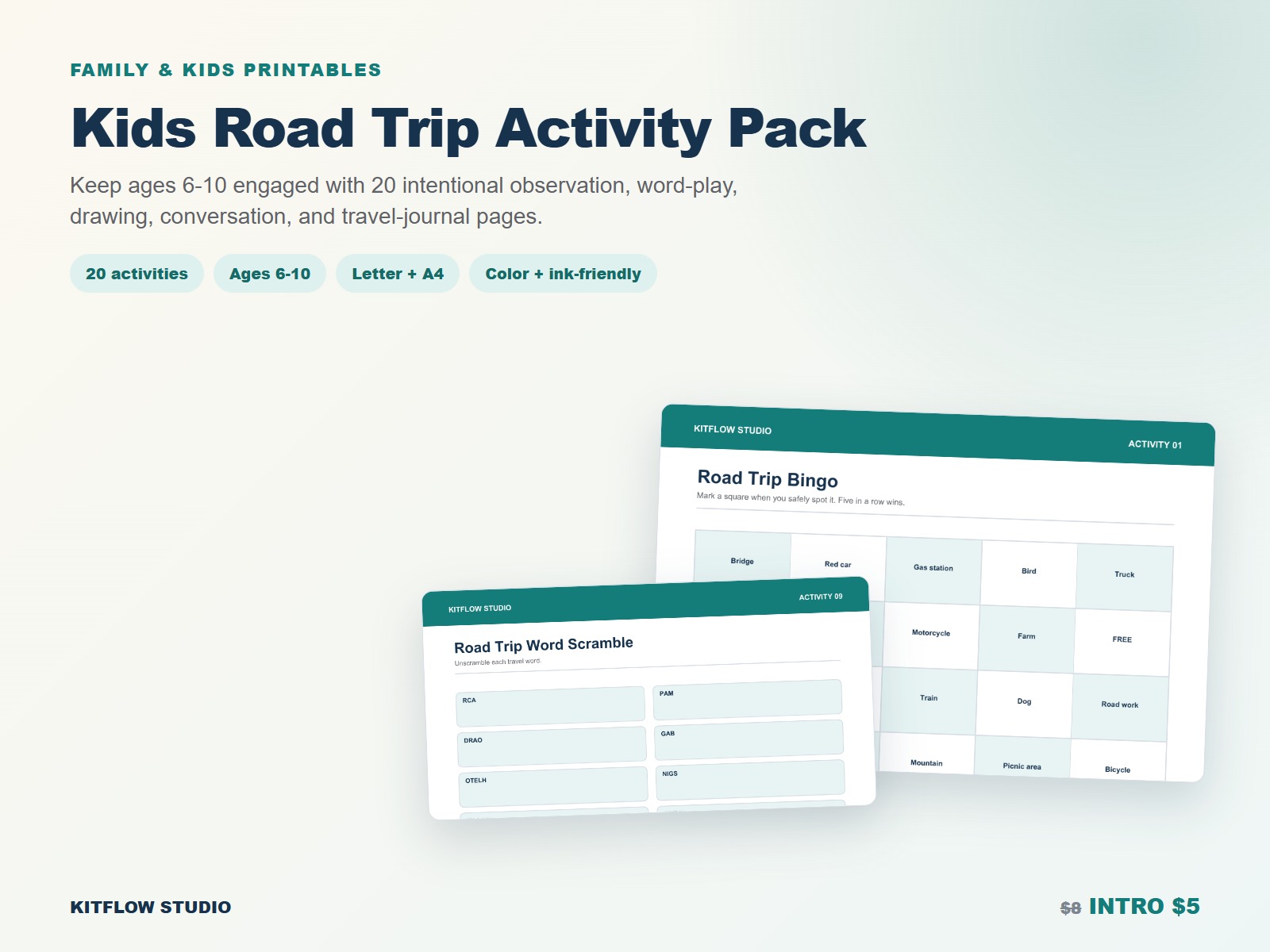
The Kids Road Trip Activity Pack includes 20 activities for roughly ages 6–10 in Letter/A4 color and ink-friendly versions, with parent guidance and safe-stop labels. Print only the pages that match your route and children.
Frequently asked questions
How many activities do I need?
For two hours, three or four structured activities plus breaks is often plenty. Bring backups, but release them gradually.
What if a child gets carsick while reading?
Stop page-based activities and switch to listening, talking, or looking at distant scenery. Follow the child’s care plan and seek professional guidance when needed.
Should screens be banned?
This plan does not require an all-or-nothing rule. Screen-free intervals can add variety even if your family also chooses a movie or device time.