Classroom Continuity
What to Put in an Emergency Substitute Binder: A First-10-Minutes Checklist
A practical emergency substitute binder checklist organized around what a substitute needs to find and do in the first ten minutes.
The short answer
An emergency substitute binder should answer, in order: Where do I go? What happens first? Who can help? What are the non-negotiable routines and safety procedures? What can students do with minimal explanation? Build it for a person opening the binder under time pressure, not as an archive of everything you know about the class.
Design the first ten minutes
- 0–2 minutes: find the room, start time, attendance procedure, and nearest staff contact.
- 2–5 minutes: scan the daily schedule, duty assignments, dismissal changes, and safety instructions.
- 5–8 minutes: locate the first lesson, required materials, and a simple opening task already visible to students.
- 8–10 minutes: review essential accommodations or support notes using only school-approved information.
Put this sequence on a single “Start Here” page. If the substitute must flip through twelve tabs to learn how the morning begins, the binder has failed even if every fact is technically present.
The seven sections that earn their space
| Section | Include | Leave out |
|---|---|---|
| Quick start | Room, times, attendance, contact, first task | Long welcome letter |
| Schedule | Bell times, transitions, specials, duties | Outdated calendar pages |
| Routines | Entry, materials, bathroom, devices, dismissal | Every minor preference |
| Safety | School-approved procedures and map | Unofficial reinterpretations |
| Student support | Need-to-know, approved guidance | Diagnoses or unnecessary personal history |
| Lesson plans | Objective, materials, steps, finish check | Links requiring private credentials |
| Handoff | Attendance, completed work, incidents, notes | Unstructured blank pages only |
Write plans that survive missing context
An emergency lesson should work without a teacher-only explanation. For each block, state the learning goal in one sentence, list physical materials, give numbered directions, name what students turn in, and add an early-finisher option. Prefer resources already in the room or included in the binder.
This is more robust than “continue yesterday’s work,” which depends on context the substitute may not have.
Keep the binder useful without making it a privacy risk
Follow your school or district policy. Use the minimum information the substitute needs to keep students safe and supported. Do not place passwords, medical histories, diagnostic labels, family details, or unrestricted student records in a general classroom binder. Where a school maintains protected information elsewhere, point the substitute to the approved contact or system.
The binder is an operational handoff aid, not a replacement for official emergency procedures, student information systems, or administrator direction.
Use a five-minute maintenance rhythm
- Weekly: update schedule changes and current seating chart.
- After a drill or policy change: replace the official safety page.
- Monthly: test one emergency activity for missing materials.
- Before a known absence: add date-specific plans, then remove them afterward.
- Each term: archive stale rosters and verify support contacts.
Write a “last reviewed” date on the Start Here page. That visible date is more useful than assuming the binder is current.
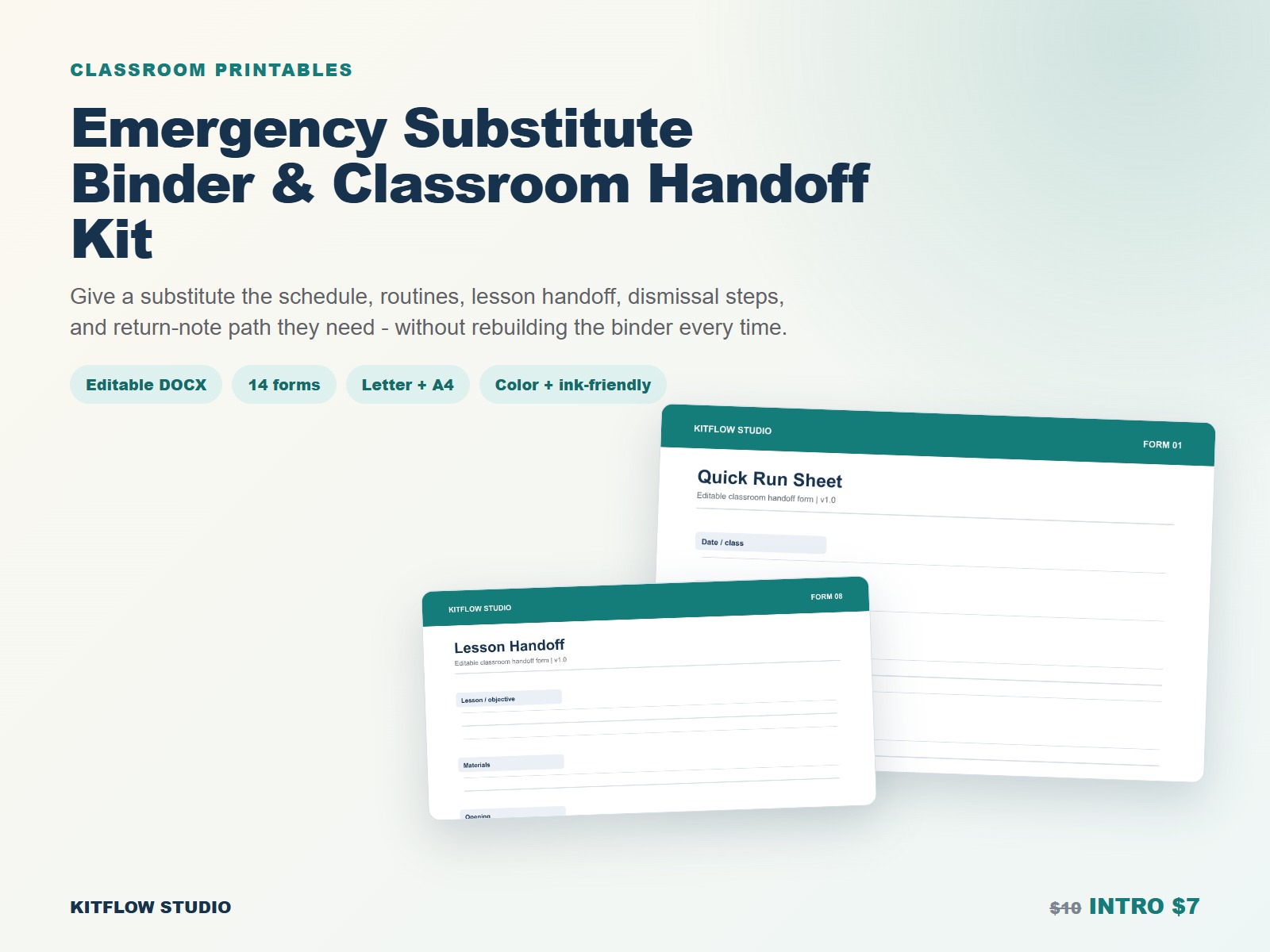
The Emergency Substitute Binder & Classroom Handoff Kit provides editable DOCX pages plus Letter/A4 color and ink-friendly PDFs. Customize it to local policy; do not treat any commercial template as official school guidance.
Frequently asked questions
Should the binder include a seating chart?
Usually, if your school permits it and the chart is current. It helps with attendance and classroom flow. Store and dispose of it according to school rules.
Do I need a full week of emergency plans?
Not necessarily. Start with one reliable day that covers every block, then expand only if your absence patterns and school expectations justify it.
Paper or digital?
Use the format a substitute can actually access. A paper quick-start binder remains useful when logins or devices are unavailable; approved digital resources can supplement it.