Team Operations
How to Turn Meeting Notes into a Decision Log and Action Tracker
A practical system for separating discussion, decisions, and action items so meeting commitments can be found, owned, and reviewed.
The short answer
Do not make people search paragraphs of minutes for commitments. Capture three separate records: a concise meeting note, a decision log, and an action register. Every decision needs context and a decision date; every action needs one accountable owner, a due date or explicit no-date status, and a review rhythm.
Separate discussion, decisions, and actions
| Record | Question it answers | Example |
|---|---|---|
| Meeting note | What context or evidence was discussed? | Two launch dates were compared because supplier timing changed. |
| Decision | What choice is now authoritative? | Launch moves to October 15; approved by project sponsor. |
| Action | Who will do what by when? | Mina updates the customer timeline by September 3. |
A decision is not an action. “Use Vendor B” records a choice; “Omar sends Vendor B the signed specification by Friday” records work. Linking them preserves why the action exists.
Use the smallest set of fields that supports follow-through
Decision log
- Decision ID and date
- Concise decision statement
- Context or alternatives considered
- Decision owner or approver
- Related meeting or project
- Status: active, superseded, or reversed
- Link to the replacing decision when superseded
Action register
- Action ID and verb-led description
- One accountable owner
- Due date, or a visible “not set” flag
- Status with clear definitions
- Related decision or meeting
- Latest update and blocker
You may list contributors, but do not replace the accountable owner with “team.” If ownership is genuinely shared, split the work into distinct deliverables.
Reserve the final five minutes for commitment review
- Read each proposed decision aloud and ask whether it is accurate.
- Confirm who has authority to approve it.
- Read each action using the format “owner + verb + deliverable + due date.”
- Ask each owner to confirm feasibility or name a blocker.
- State where the record will live and when it will be reviewed.
This closing routine catches ambiguity while the relevant people are still present. Sending polished minutes two days later cannot reliably reconstruct an owner nobody agreed to.
Make review frequency match the work
- Fast project: review open and overdue actions twice weekly.
- Weekly operating meeting: review changes and exceptions, not every completed line.
- Monthly governance: focus on active decisions, reversals, high-risk blockers, and aging items.
Use a stable status vocabulary. For example: Not started, In progress, Blocked, Done, Cancelled. Define “Done” as accepted evidence, not “the owner says it is probably finished.” Keep an archive rather than deleting closed records; the history explains later choices.
Worked example
The example preserves the gate, reason, evidence, and ownership. “Fix checkout” would not.
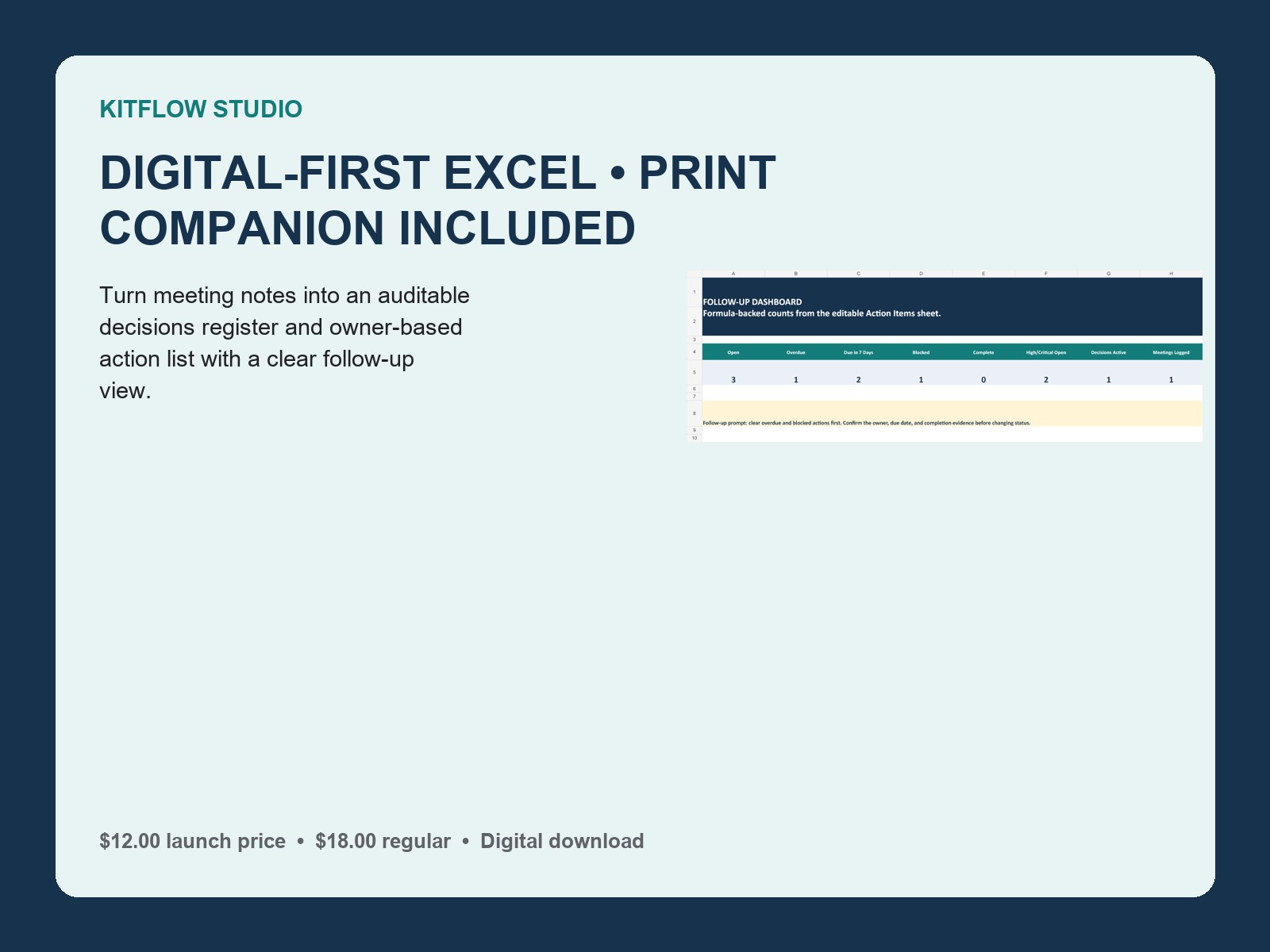
The Meeting Decisions & Action Tracker provides a seven-sheet Excel working file and a four-page printable meeting companion. Use paper during the meeting if that fits the room; use desktop Excel for the full dashboard, registers, and formulas.
Frequently asked questions
Are meeting minutes still necessary?
Keep enough context to understand the decision. The point is not to eliminate minutes, but to stop burying commitments inside them.
What if an action has no due date?
Mark it visibly as not set and assign someone to resolve the date. A blank cell should not silently look complete.
Can a decision be edited?
Correct clerical errors with a visible note. If the choice changes, preserve the old record and create a new decision that supersedes it.