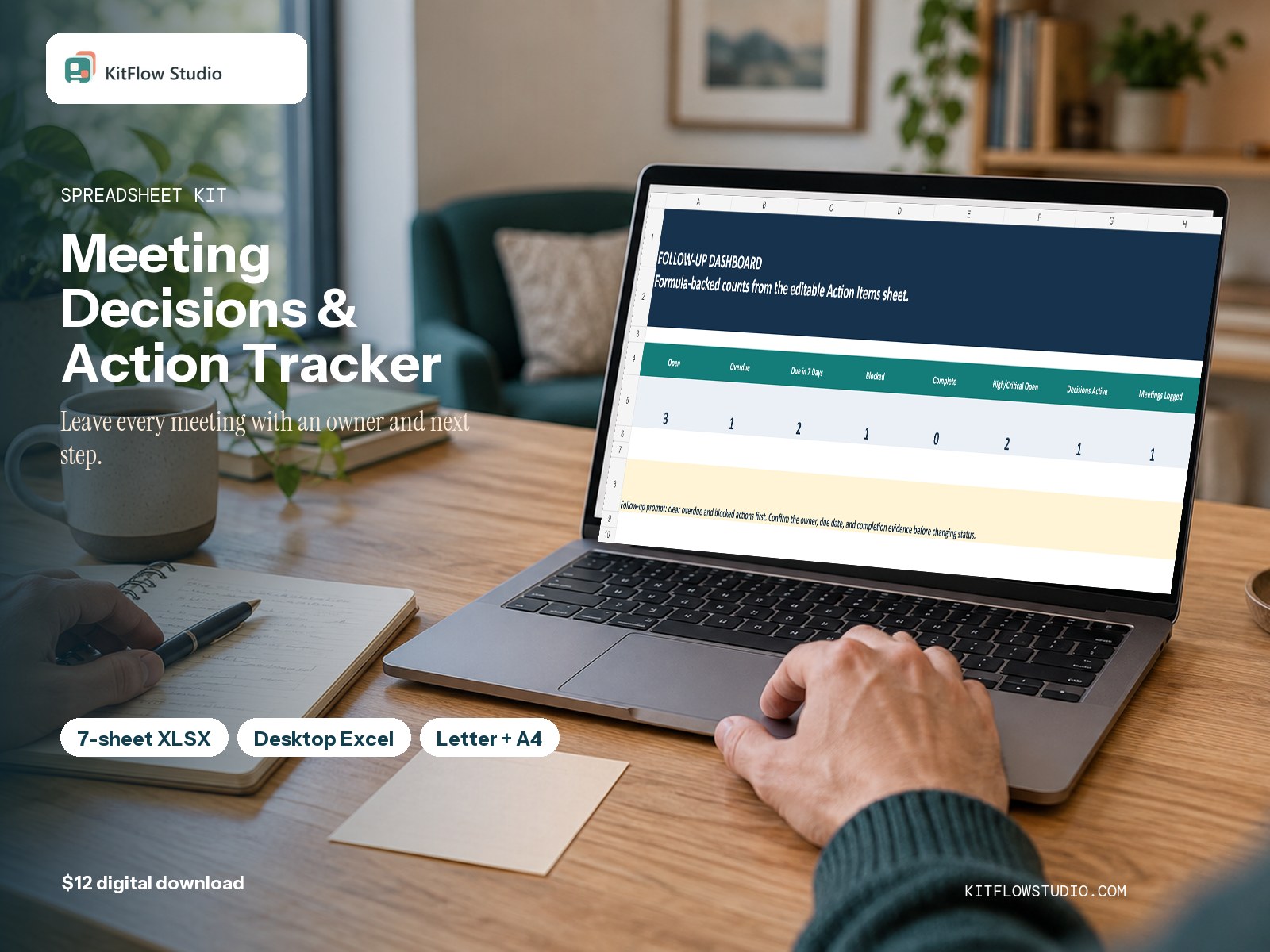
Maintain the full meeting system in Excel, with an optional four-page paper companion for capture when a laptop is inconvenient.
This kit follows the real sequence of the job and makes its device requirements visible before purchase.
See exactly what is inside
Move from setup to follow-through
- Capture notes directly in Excel or use the printable companion during the meeting.
- Transfer any paper decisions and actions into the workbook after the meeting.
- Give every action one accountable owner and due date.
- Review overdue, blocked, and open work in Excel before the next meeting.
Clear boundaries
Digital-first Excel system. The printable companion supports paper capture, but the dashboard, formulas, and consolidated registers require desktop Excel. No macros, integrations, automated emails, cloud sync, or real-time collaboration are included.
Questions before you buy
Can I use only the printable PDF?
Yes for basic meeting capture. No for dashboard formulas, status views, or a consolidated ongoing register; those require the Excel workbook.
Do I need Excel?
Desktop Excel is the primary support surface and is required for the full system. Google Sheets import may change formulas, formatting, or validation.
Does this send reminders?
No. It shows due, overdue, blocked, and open work inside the workbook but does not send email or notifications.
Does it use macros?
No. The XLSX uses ordinary formulas, validation lists, filters, and conditional formatting.