Office & Team Games
How to Run a Printable Escape Room for Team Building at Work
A practical guide to running a low-prep printable escape room for work, including setup, host flow, timing, remote use, and what to avoid.
The short answer
For a work-friendly printable escape room, use a tabletop or screen-share format. Print only the player pages, keep the host guide and answer key separate, give clues in order, and use a simple 20 to 30 minute timer.
That format works well because people can focus on a shared fictional problem instead of being asked to perform, overshare, or answer awkward personal questions.
What is a printable team-building escape room?
A printable team-building escape room is a guided puzzle activity built from downloadable pages. Players receive a mission, examine clues, compare information, and work toward a final answer before time runs out.
For the workplace, the most practical version is usually a tabletop game:
- the host prints or displays the player pages;
- players solve one clue at a time;
- hints and answers stay with the host;
- the group talks through the clues together;
- the activity ends with a short reveal.
This is different from visiting a physical escape-room venue. You are not renting a room or installing equipment. You are running a structured group activity with printable materials.
When this format works best
A printable escape room is a good fit when you want a shared activity with a clear beginning and end. It can work for:
- a team meeting that needs a more engaging opening;
- a new-hire onboarding session;
- a workshop break;
- a small team retreat;
- a low-pressure office party;
- a remote or hybrid team activity run through screen share.
It is not the right format for every moment. If you only have five minutes, use a quick energizer instead. If you have a very large room, split people into smaller teams and give each team its own packet.
What makes an office escape room feel work-safe?
The safest workplace activities give people something external to discuss. They do not ask coworkers to reveal private stories or compete in a way that makes quieter people feel exposed.
Before choosing a game, check for these signs:
- the mission is easy to explain in one or two minutes;
- the clues are about documents, patterns, choices, or a fictional scenario;
- player pages do not show the answer;
- the host has a separate answer key and hint path;
- the game does not require alcohol, physical challenges, apps, locks, or hidden props;
- the product says what to print and how long setup should take.
In a real office, clarity is kindness. If the host is confused, the group will feel it quickly.
The simplest setup: tabletop mode
- Choose one host.
- Print one player packet per group.
- Keep host-only pages, hints, and answers away from players.
- Read the mission aloud.
- Start a timer.
- Hand out the first clue page.
- Give the next page only after the group solves the current clue.
- Use hints only when the group is genuinely stuck.
- End with a short reveal and a quick debrief.
The host does not need to act like a performer. A calm, clear explanation is enough.
How to run it remotely or in a hybrid meeting
For remote teams, screen-share one player page at a time. Ask players to talk through what they notice, then let one person keep track of possible answers in the chat or a shared note.
Before the meeting, check that the page is readable on a laptop screen. If the clue depends on small text, zoom in before players start solving. Do not make people struggle with the screen before they can even start the puzzle.
A practical 25-minute run-of-show
| Time | Host action |
|---|---|
| 0:00 to 2:00 | Welcome the group, explain the mission, and set the timer. |
| 2:00 to 5:00 | Give the first player page and let the group start. |
| 5:00 to 18:00 | Release clues in order. Offer a hint only when the group is stuck. |
| 18:00 to 23:00 | Give a gentle time check and ask teams to agree on a final answer. |
| 23:00 to 25:00 | Confirm the answer, read the reveal, and close the activity. |
The goal is not to make people feel trapped. The goal is to give them a small shared challenge that creates conversation, momentum, and a finished moment.
Common mistakes to avoid
Handing out answer material by accident
This is the fastest way to ruin a printable mystery. Keep the answer key, hint cards, host guide, and completion page separate from the player packet.
Choosing a game with hidden setup
Some activities look printable but quietly require a color printer, locks, props, QR codes, or a specific room layout. If you do not have those things, choose a simpler tabletop format.
Making the clues too personal
Workplace games should not depend on embarrassing stories or private details. A fictional mission gives everyone a safer way to participate.
Giving every clue at once without a plan
This can work for a relaxed table mode, but it often feels less like an escape room. If you want a stronger game rhythm, hand out clues one at a time.
Can ChatGPT make one for you?
It can give you ideas. That part is fast.
The harder part is turning those ideas into a playable activity people can actually run. You still have to test the clue order, remove accidental answer spoilers, write host instructions, format printable pages, make sure the timing works, and print-check the result. You may not notice the weak spots until you try to run it.
If you enjoy designing games, that can be a fun project. If you need something ready for a real meeting, a finished kit can save the back-and-forth.
A ready-to-use printable office mystery
KitFlow Studio’s product recommendation for this use case is The Missing Launch File.
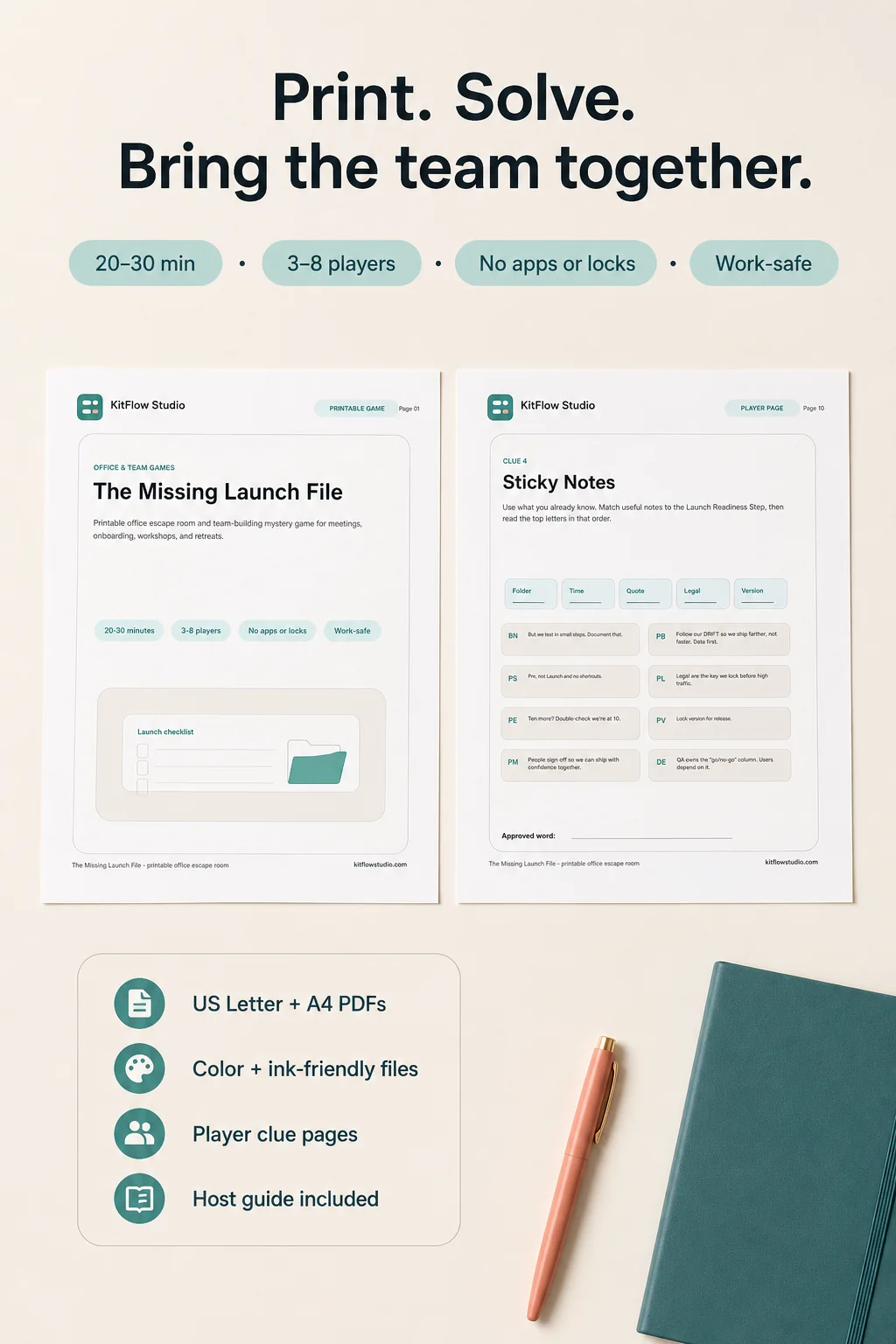
It is a printable office escape room and team-building mystery game for meetings, onboarding sessions, workshops, retreats, and small team events. It works best with 3 to 8 players per packet. Setup is about 5 minutes or less, and the default play time is about 20 to 30 minutes.
- US Letter and A4 PDF files
- Color and ink-friendly versions
- Player clue pages and a team answer sheet
- Host quick-start guidance, hint cards, answer key, and timer cues
It is a digital download only; no physical item is shipped.
Quick checklist before you run the activity
- Print one player packet per team.
- Keep host-only pages separate.
- Decide whether you will hand out clues one at a time or use relaxed table mode.
- Set a 25-minute timer for the default run.
- Prepare hints, but do not lead with them.
- Make sure players understand that the goal is collaboration, not speed alone.
Frequently asked questions
Do I need locks or props?
Not for a tabletop printable format. The Missing Launch File does not require locks, apps, boxes, QR codes, or special room setup.
Can this work in a normal meeting room?
Yes. A tabletop printable game can be run at a regular table or on a shared screen.
How many people should play together?
Small groups are easier to manage. The Missing Launch File works best with 3 to 8 players per packet. For larger events, print one packet per group and let multiple teams play at the same time.
Can this work for onboarding?
Yes, if the tone fits your team. A fictional shared problem can feel more comfortable than personal icebreaker questions, especially when people do not know each other well yet.
Do I need a color printer?
Not necessarily. The Missing Launch File includes color and ink-friendly versions so the host can choose the practical option.
Is this a physical product?
No. It is a digital download. No physical item is shipped.