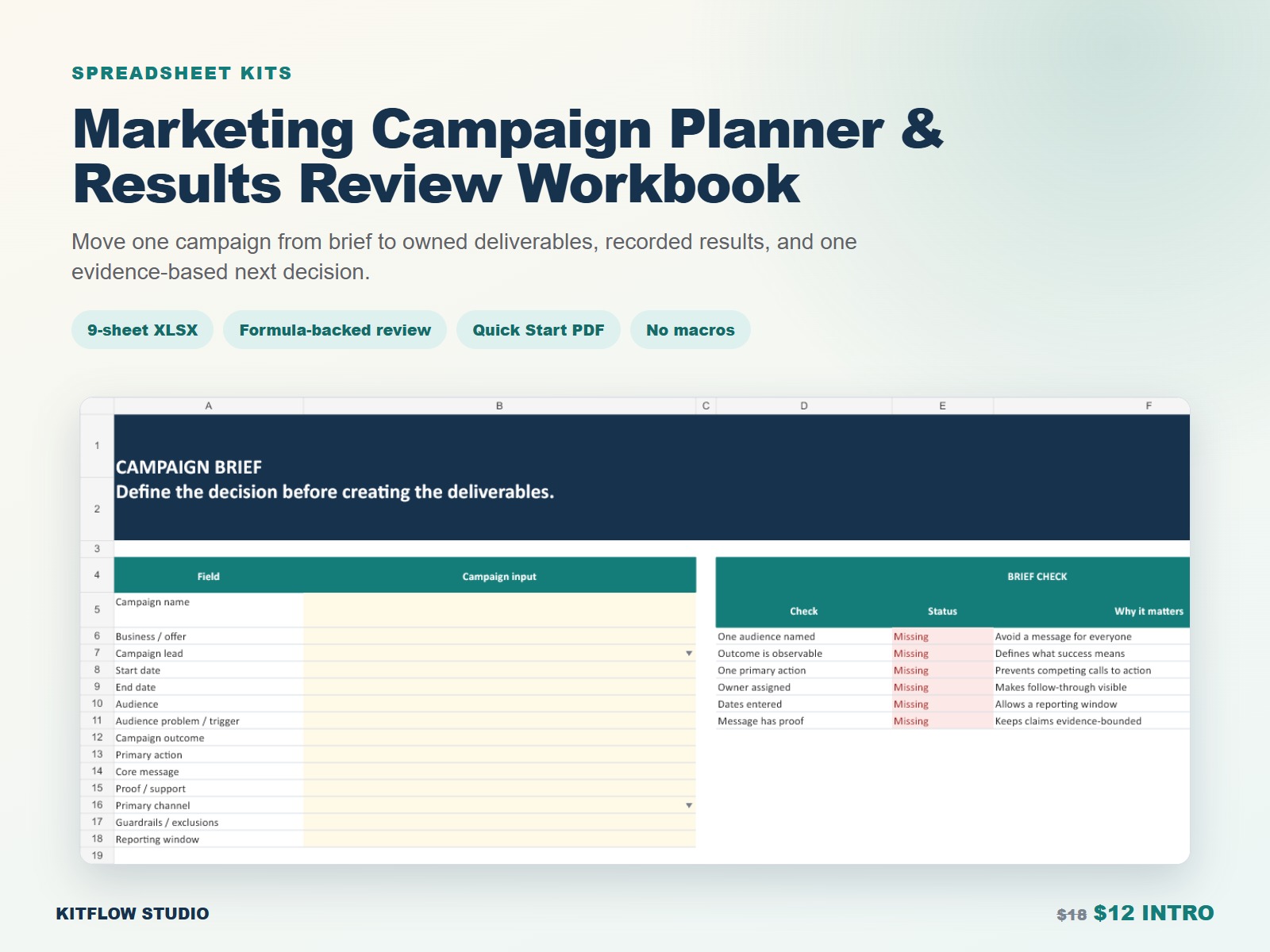
Move one campaign from brief to owned deliverables, recorded results, and one evidence-based next decision.
This product follows the real sequence of the job and makes its device, format, and scope boundaries visible before purchase.
See exactly what is inside
Move from setup to a reviewable result
- Define one audience, observable outcome, primary action, owner, and reporting window.
- Map deliverables to channels, formats, dates, status, and proof of completion.
- Assign each task one accountable owner and due date.
- Enter planned budget, actual spend, and source-labeled results without mixing definitions.
- Exclude test rows, close the reporting window, and choose Scale, Repeat, Revise, Pause, or Stop.
Clear boundaries
No macros, APIs, ad-platform connections, automatic attribution, benchmark claims, forecasting, or guaranteed campaign performance. The buyer enters plans and source data.
Questions before you buy
Does it connect to ad platforms?
No. There are no APIs, automatic imports, or attribution integrations.
Does it include benchmarks or forecasts?
No. The workbook organizes user-entered plans and source data; it does not predict results.
What software is supported?
Current desktop Excel is the primary support surface. Formatting, formulas, and validation may vary in other spreadsheet apps.
Can I change the currency?
Yes. Currency cells default to USD display, but the workbook performs no currency conversion.
Are the example results real?
No. The example campaign is fictional and is not a benchmark or customer result.