Office Copier Paper, Packet & Prep-Time Calculator
Quick summary: Plug in your guest count, players per packet, page count, single- or double-sided layout, and printer speed to calculate exact physical sheets, spare backup packets, copier minutes, and pen counts—helping hosts avoid running short 10 minutes before kickoff.
Printable Game Paper, Packet & Copier Time Calculator
Four Print-Room Mistakes That Slow Down Group Game Events
- Stapling multi-clue mystery packets: One person flips page by page while three teammates sit idle. Use simple top-left paperclips instead so tables split Exhibits A–D immediately.
- Printing full-color backgrounds on monochrome lasers: Heavy dark backgrounds waste toner and look muddy in grayscale. Choose kits like KitFlow Studio releases that ship a dedicated 0%-color Eco-Ink PDF alongside Full Color.
- Forgetting “Actual Size” on A4 vs US Letter: Mixing Letter PDFs on A4 trays clips edges on fold-out wheels and borders. Always match your file format to your tray paper.
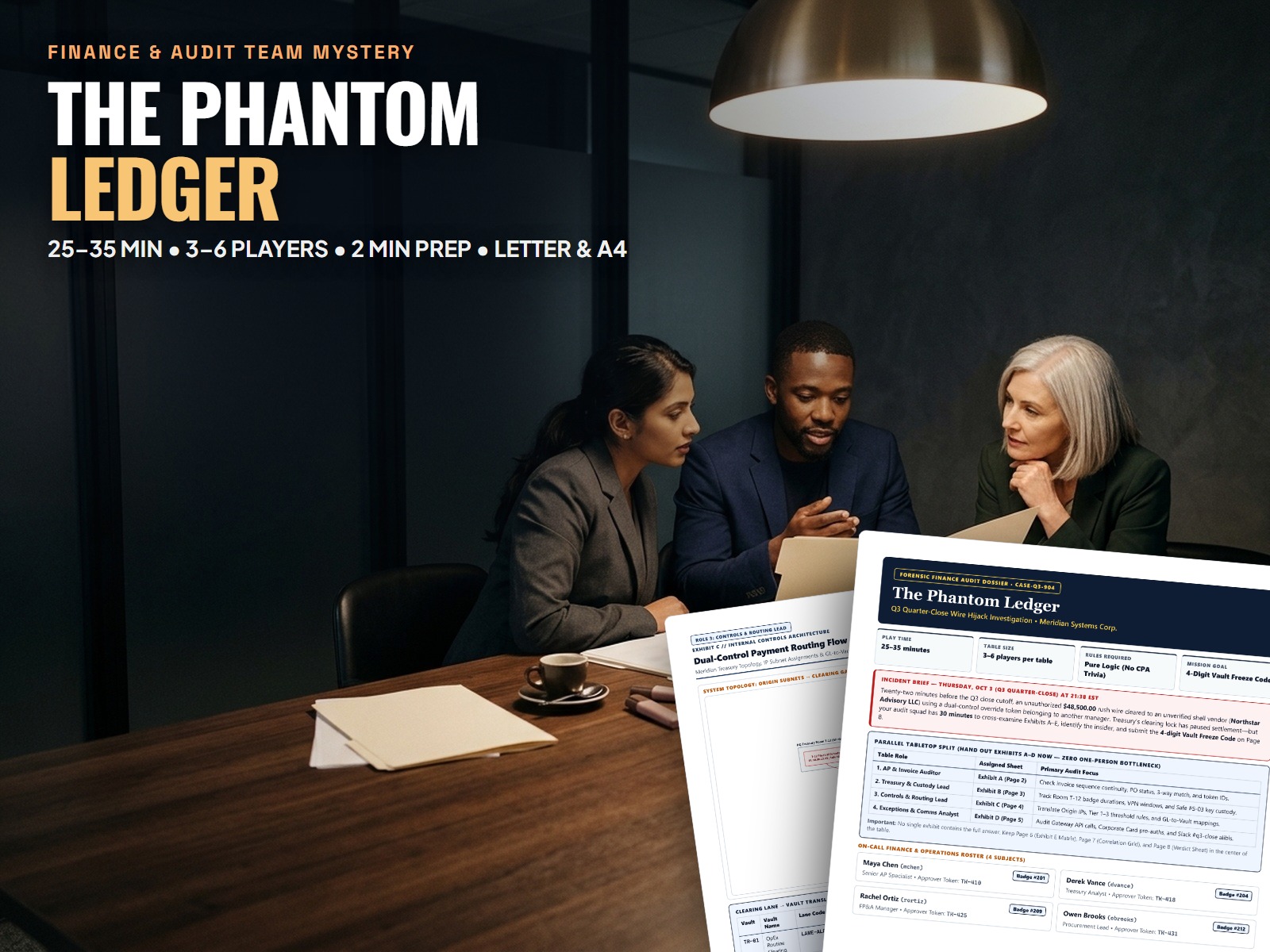
Ready for a real office session that already includes separate US Letter, A4, Color, and 0%-Color Eco-Ink files? See The Midnight Server Audit or The Phantom Ledger, or return to all KitFlow Free Resources.
Frequently Asked Questions
Should I print printable escape rooms single-sided or double-sided?
Print exhibits and cut-out clues single-sided so players can lay multiple clues side by side on the table. Instructions and trivia lists can safely run double-sided to cut paper use in half.
Why include a spare packet for 4+ teams?
Coffee spills, missing pages at a shared breakroom copier, or two unexpected late guests happen at almost every offsite—one extra packet solves it in zero seconds.